Rebuild without breaking operations.
Plan the sequence of moves and validate constraints so you can execute changes with minimal downtime and stable delivery.
Why this matters
Typical pains
A clear view of what breaks in the real world, so the model is built for what actually happens.
Relocations cause cascading issues across flow and buffers.
The real constraint shows up only after changes are live.
Teams lack a shared model of what changes when.
Outcomes
What improves
A measurable way to evaluate scenario variants and the decisions you will make.
Downtime
reduced via stepwise planning
Flow
stabilized with buffer and path validation
Execution
clearer with visual sequencing
Deliverables
What you get
A decision-ready package: model, scenarios, and an actionable rollout path.
Deliverables
- Sequenced relocation plan with constraints
- Animation to communicate steps and dependencies
- Simulation highlighting bottlenecks and transport paths
Recommended capabilities
Start with the minimum set needed for the outcome, then add more data as the use-case matures.
Proof
Case studies
Real scenarios, shown in full under this use case.
Car lamp manufacturer, southern Poland
Plant expansion: moving machines without stopping production
Context
The same car lamp plant as in the production line case: 270 people on two shifts, a 28,000 m² building and a 12,000 m² warehouse. A new production hall was added to the plant.
Task
Plan the gradual move and set-up of machines so that production continues without a break. Also check the capacity of the intermediate storage areas and the continuity of internal deliveries.
Work
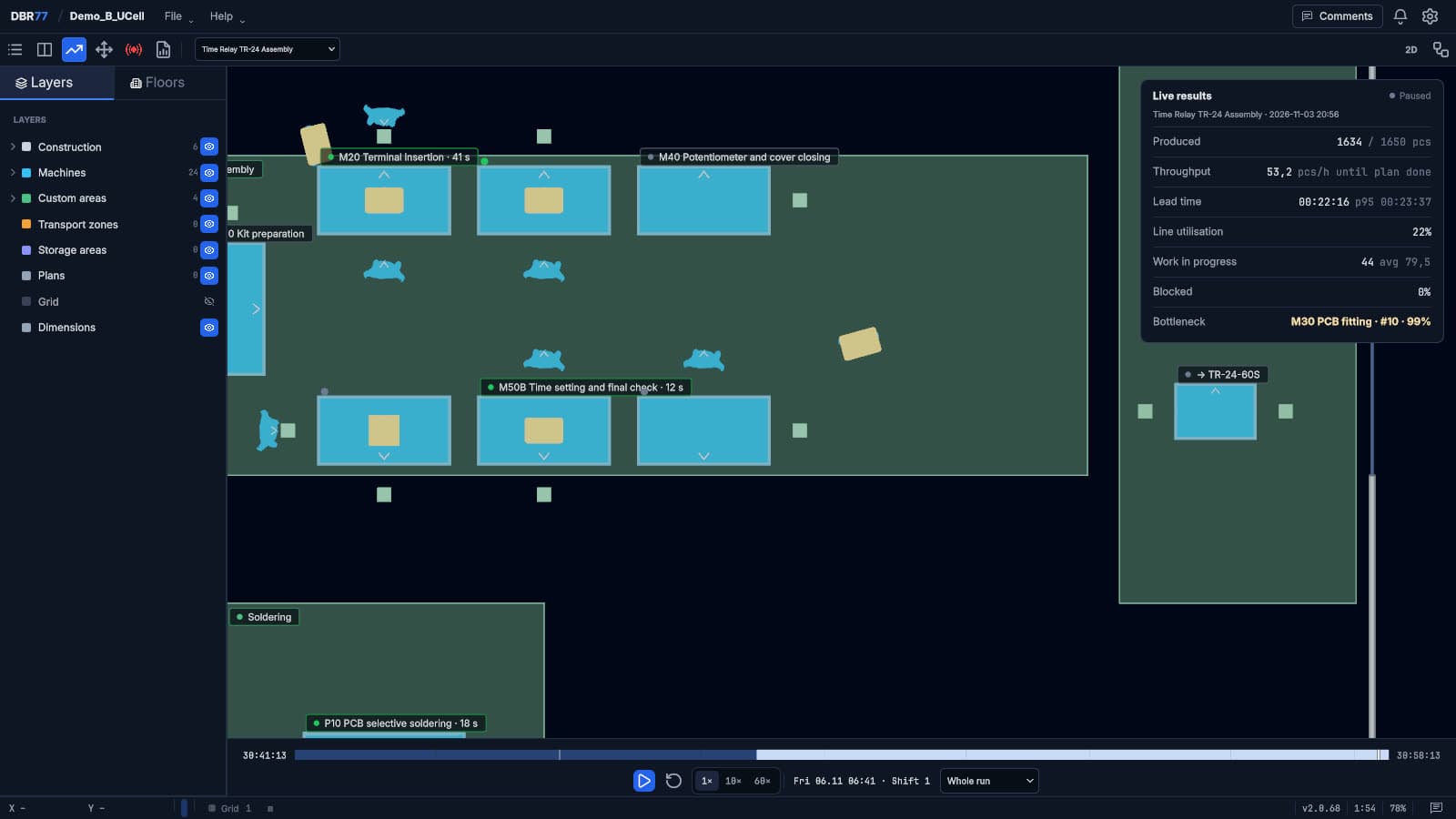
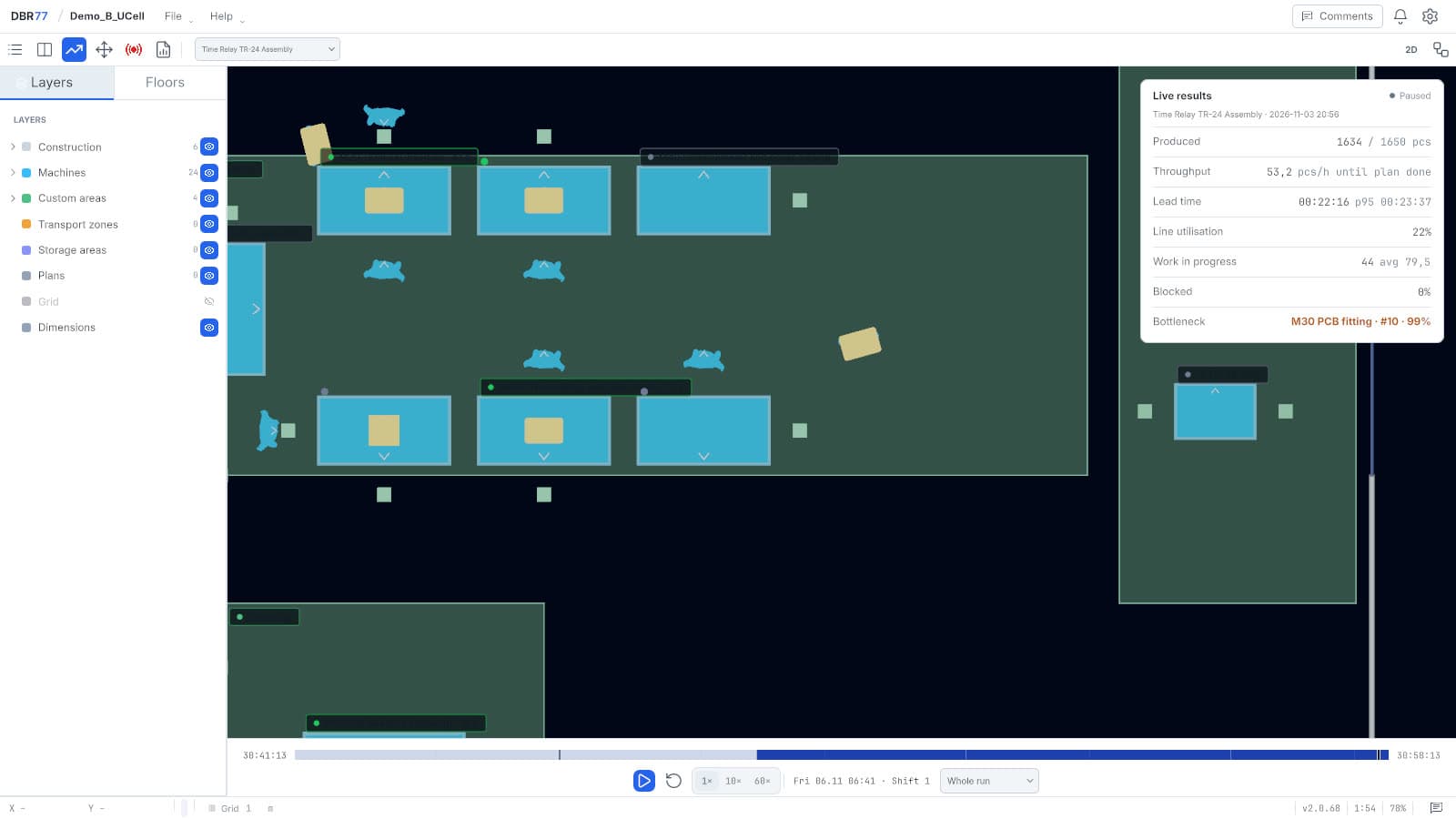
- Added the newly built area to the digital twin.
- Built the material flows with the process times of each task.
- Used process animation to choose the order of the moves.
- Analyzed production and material flow for each relocation option and chose the next process to move.
- Started the new area in Animation Mode and checked the assumptions.
Results
- A plan that keeps production at the required level during the expansion.
- The main question was where the storage areas between processes should be and how large they should be.
- The simulation showed that longer transport routes were the main cause of production losses.
Benefits
- An order of machine moves that runs processes in parallel.
- The final machine layout changed compared with the starting assumption.
- The management board watched the animations in VR goggles and decided faster on the order of the moves.
Wooden furniture manufacturer
Layout optimization: 14% lower department costs
Context
A mid-size maker of high-quality wooden furniture, on the market for over 20 years. Raw wood is cut on a circular saw, machined on CNC machines and assembled by hand at assembly stations, with quality checks throughout.
Task
Improve the production and warehouse layout, which no longer matched the production. The variety of products slowed the flow of material and information, and the lack of buffers for materials and finished products made production less flexible and more prone to delays.
Work
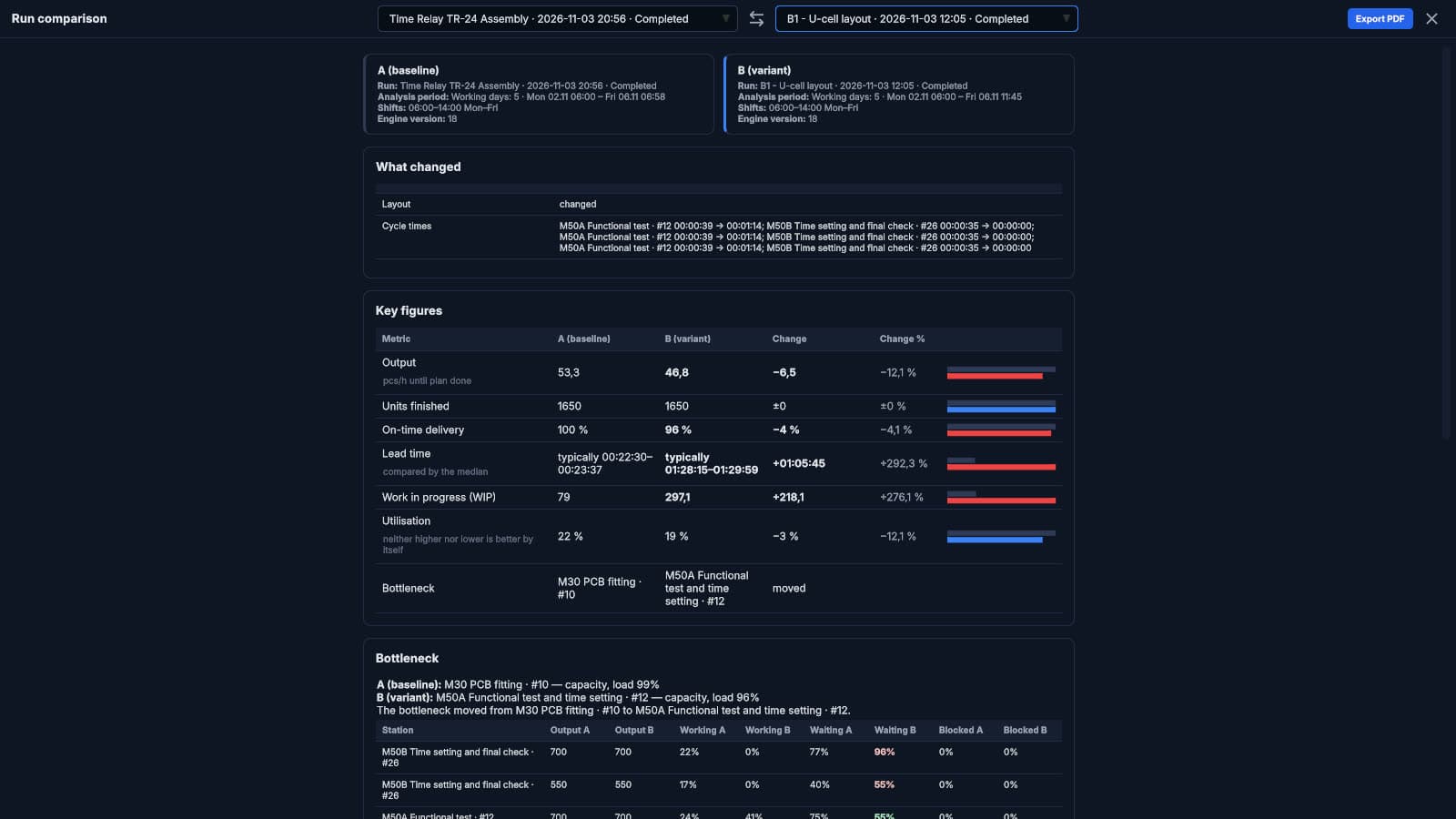
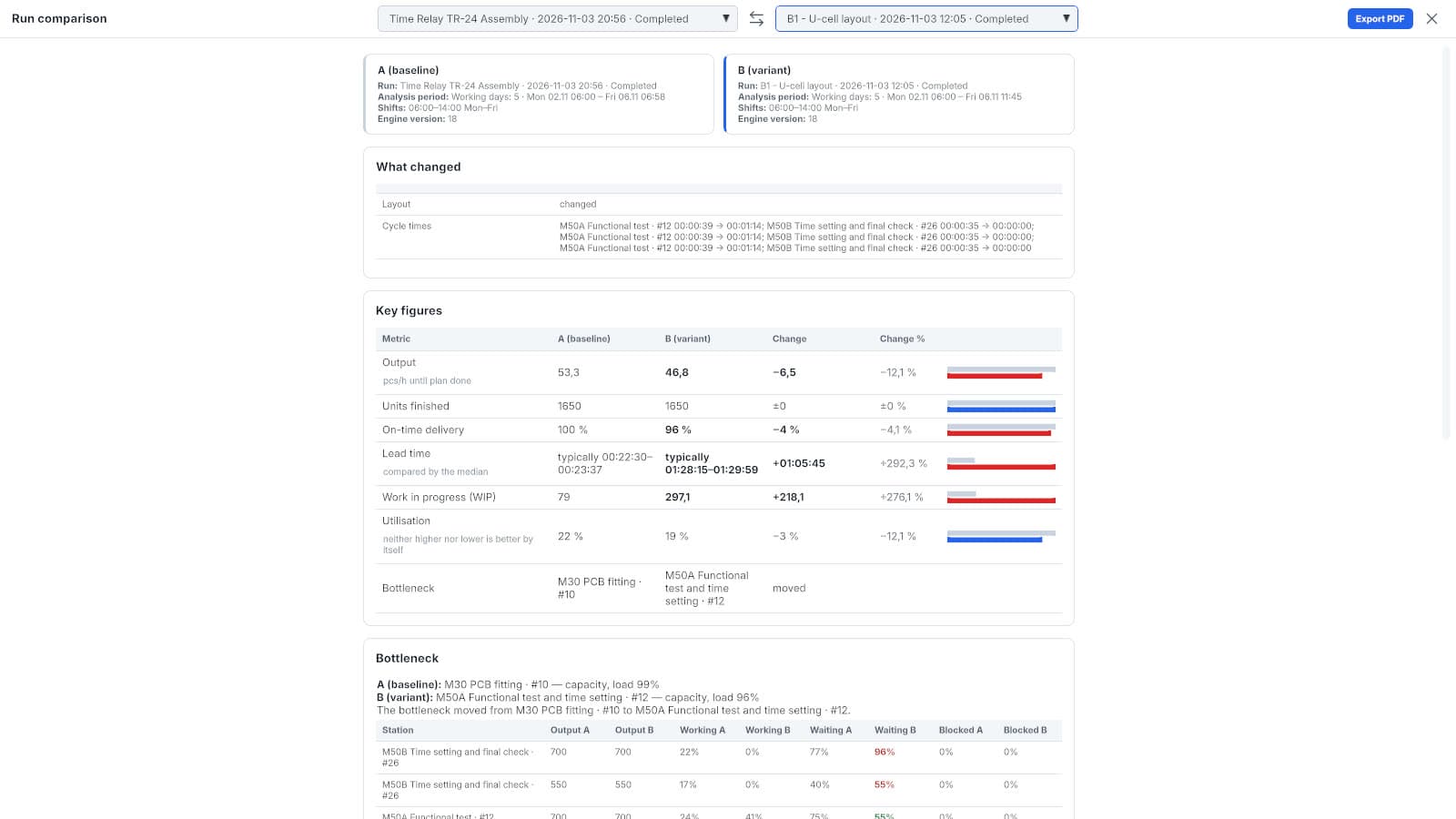
- Built a digital twin of the current production and warehouse layout and simulated the material flow.
- Used AI to find the areas that needed optimization and to propose new layouts.
- Specialists chose the layout that fitted the company's possibilities.
- Simulated the chosen layout variant in the DBR77 digital twin.
Results
- Working capital went down by PLN 300,000 after the buffer was removed.
- Department costs went down by 14%.
- Direct labor went down by 1.5 full-time positions.
Benefits
- Mapping the production area was the longer step. The AI-supported optimization steps after that took seconds.
- The company can adapt faster when market requirements change.
Next step
Have a decision to test?
Describe your layout and the decision you are weighing. A DBR77 expert will show you how to test it on the digital twin, starting from the data you have.
Sign in or sign up at studio.dbr77.ai.