DBR77 Digital Twin
Test layout, flow and capacity decisions on a digital twin of your plant
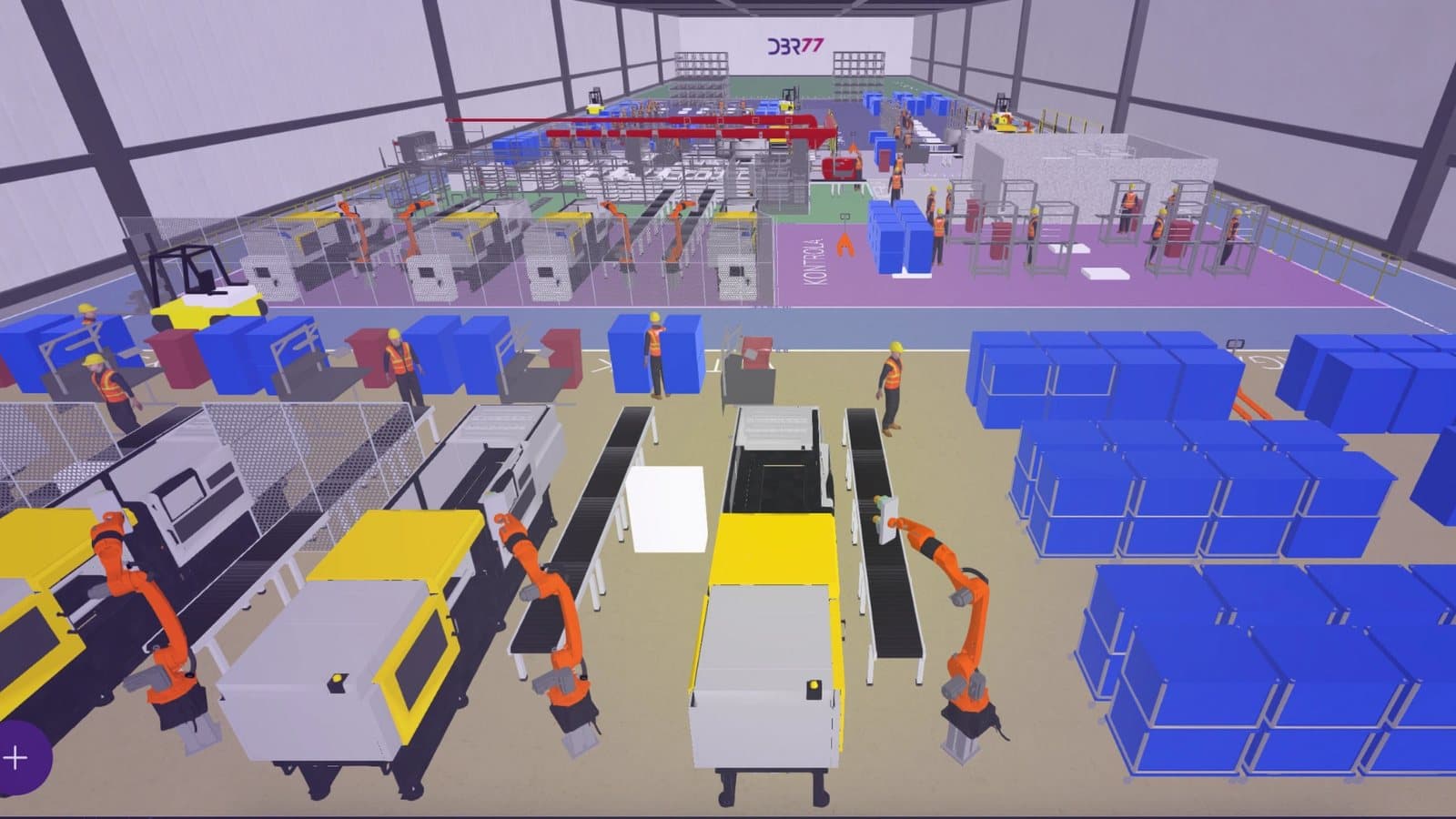
DBR77 Digital Twin builds your plant in 3D and simulates production over time, with the variability of the process. Compare variants on a copy of the model before you move a machine or sign an investment.
- Runs in the browser
- No AI training on your data
- Your team approves every decision
The problem
Layout and investment decisions still rest on drawings and spreadsheets
DBR77 Digital Twin runs the flow through time with the variability of the process, so you test the decision before you make it.
A drawing shows where things stand
It does not show how parts, people and forklifts move through the layout during a shift.
A spreadsheet adds up averages
Waiting, blocking, changeovers and breakdowns disappear in an average, so the real bottleneck stays hidden.
Without a model, the plant is the test bench
A wrong layout or investment shows up only after the change, in lost output and rework.
How it works
From the layout to a tested decision in six steps
Start with the data you have. Even nominal times are enough for a first model, and the gap between the model and the floor shows where to look.
Scope and layout
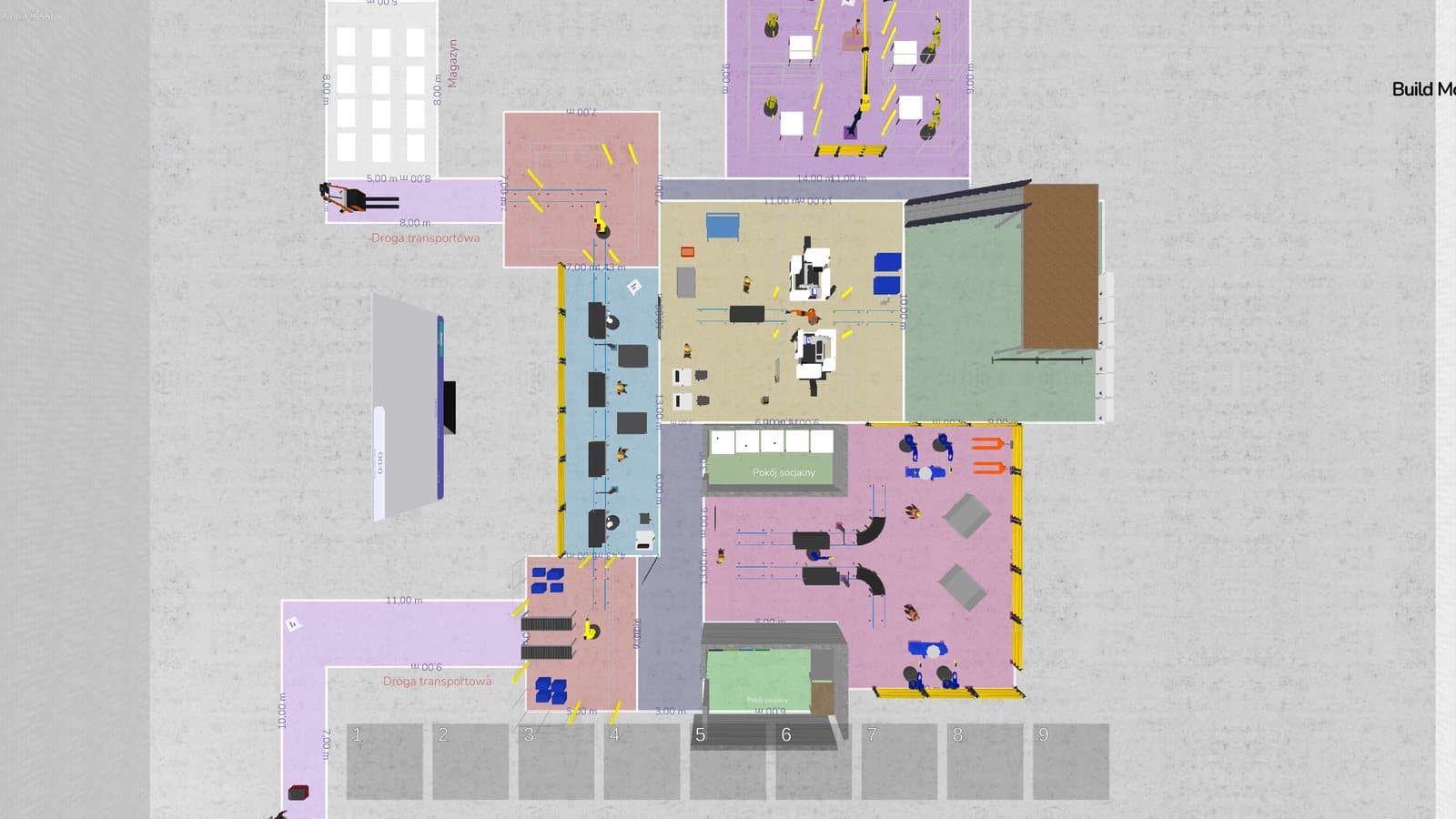
Choose the area and the decision. Import the plant layout as an image exported from CAD or PDF.
3D model
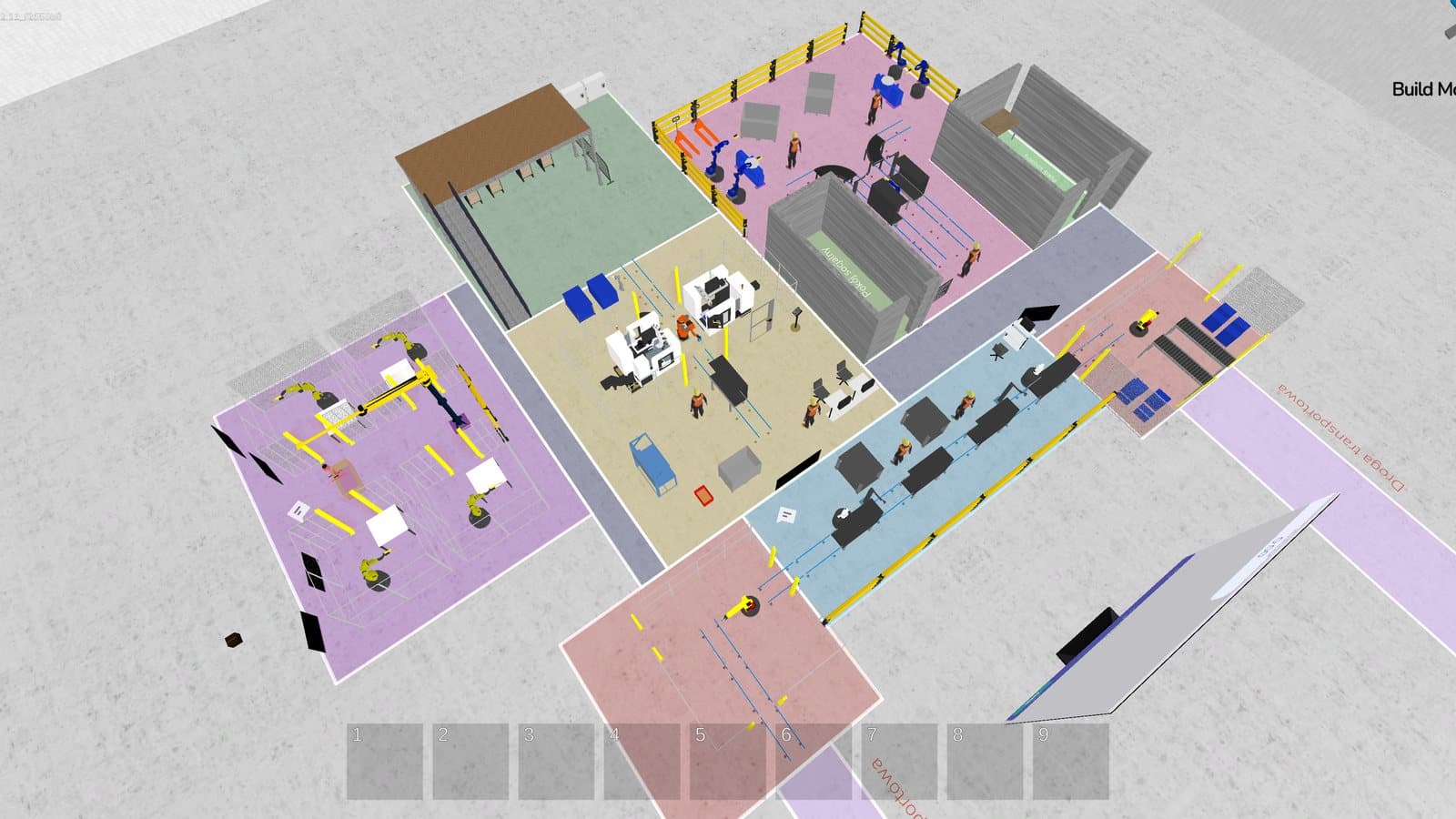
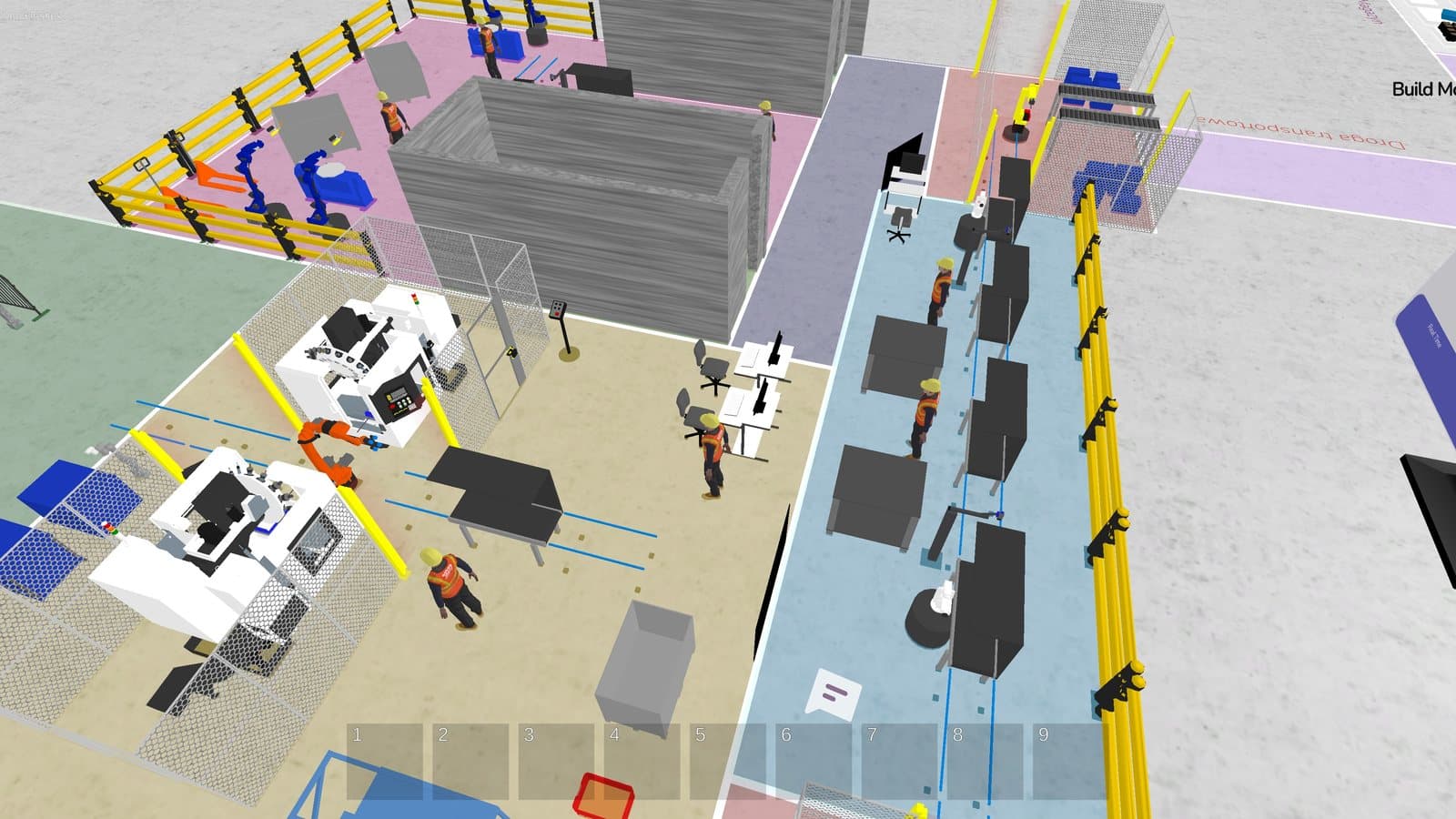
Place machines, robots, racks, vehicles and people from the model library in Studio 3D.
Process
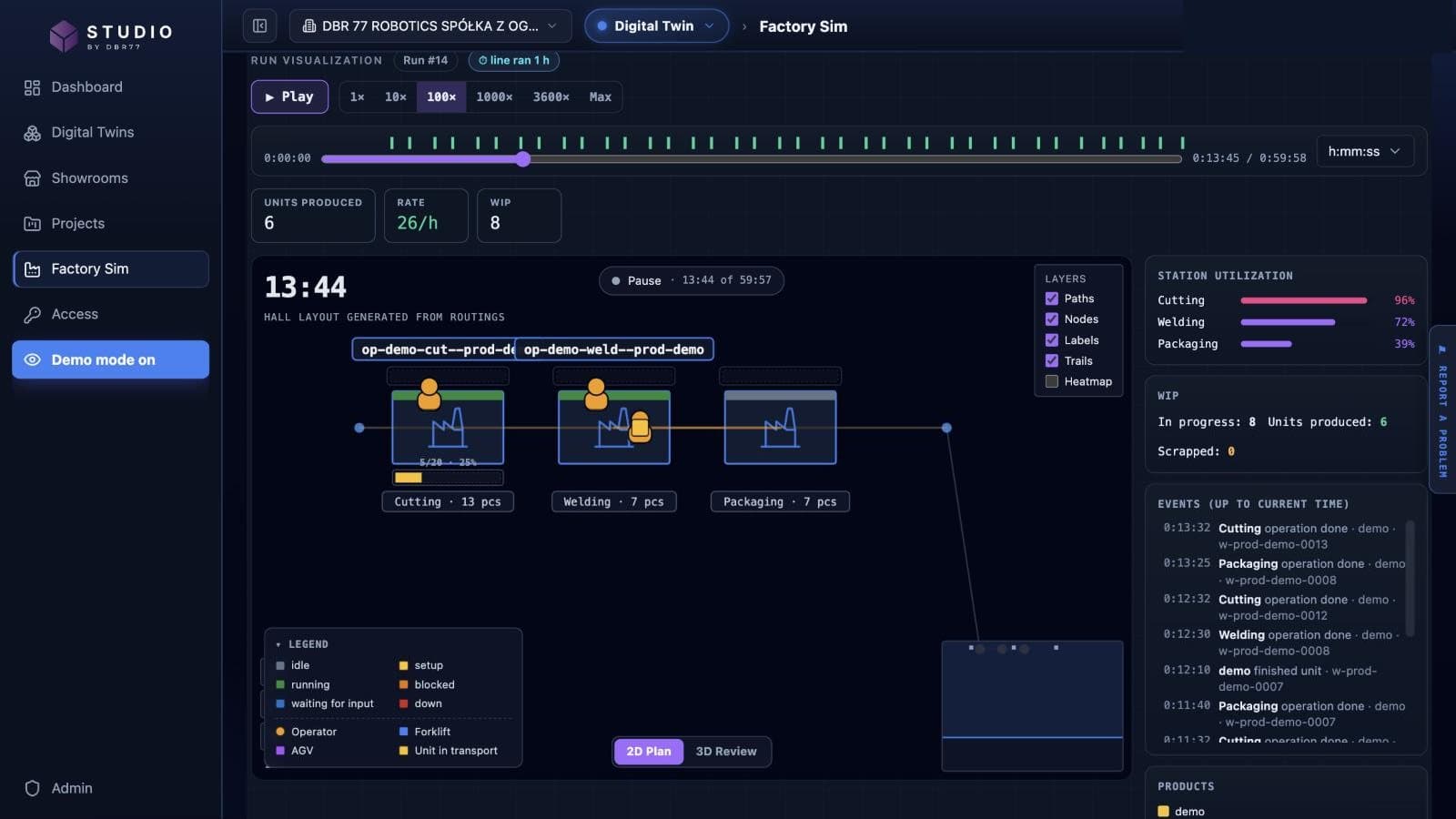
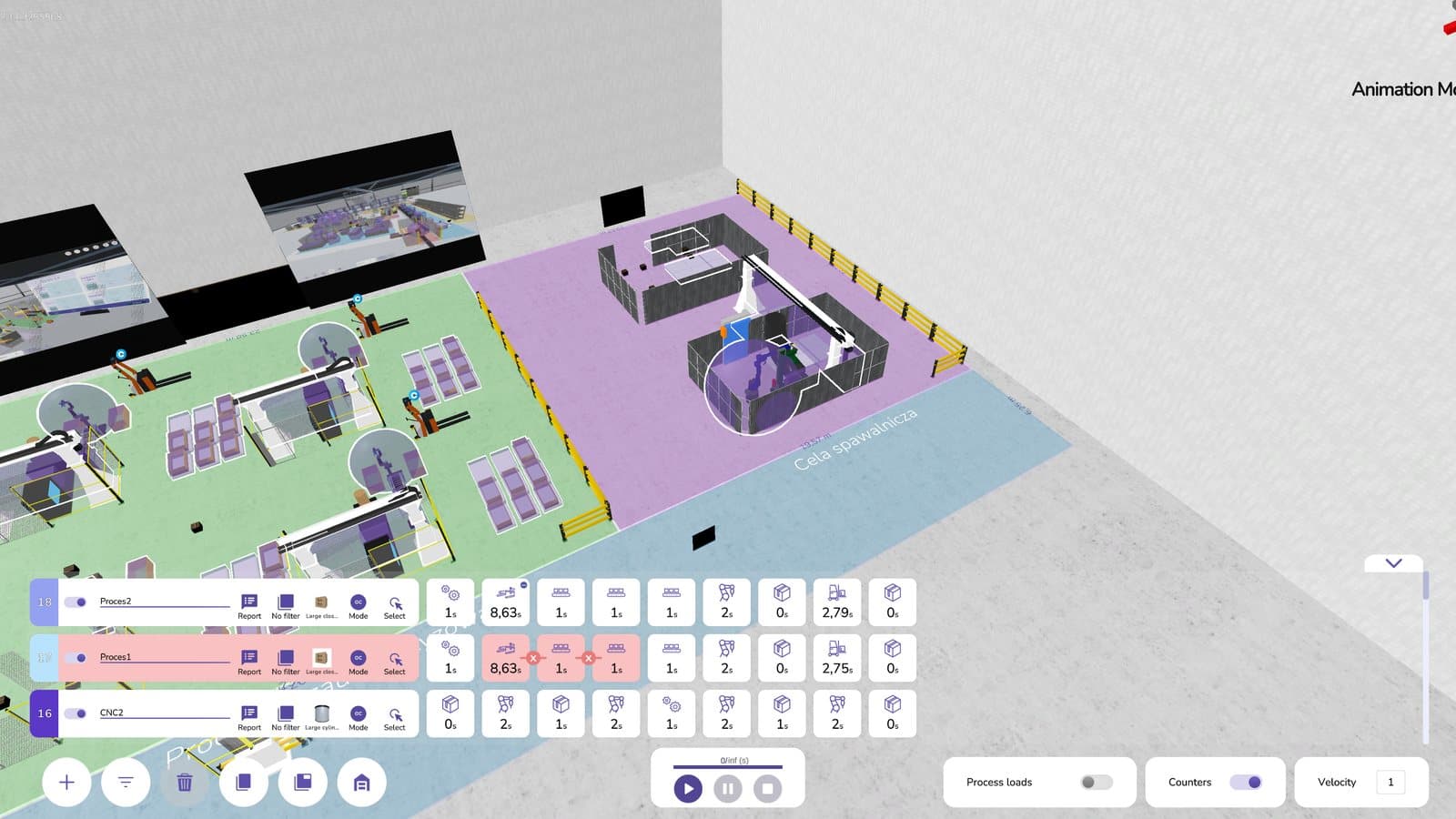
Describe the flow: routings, stations, buffers, operators and vehicles.
Times and data
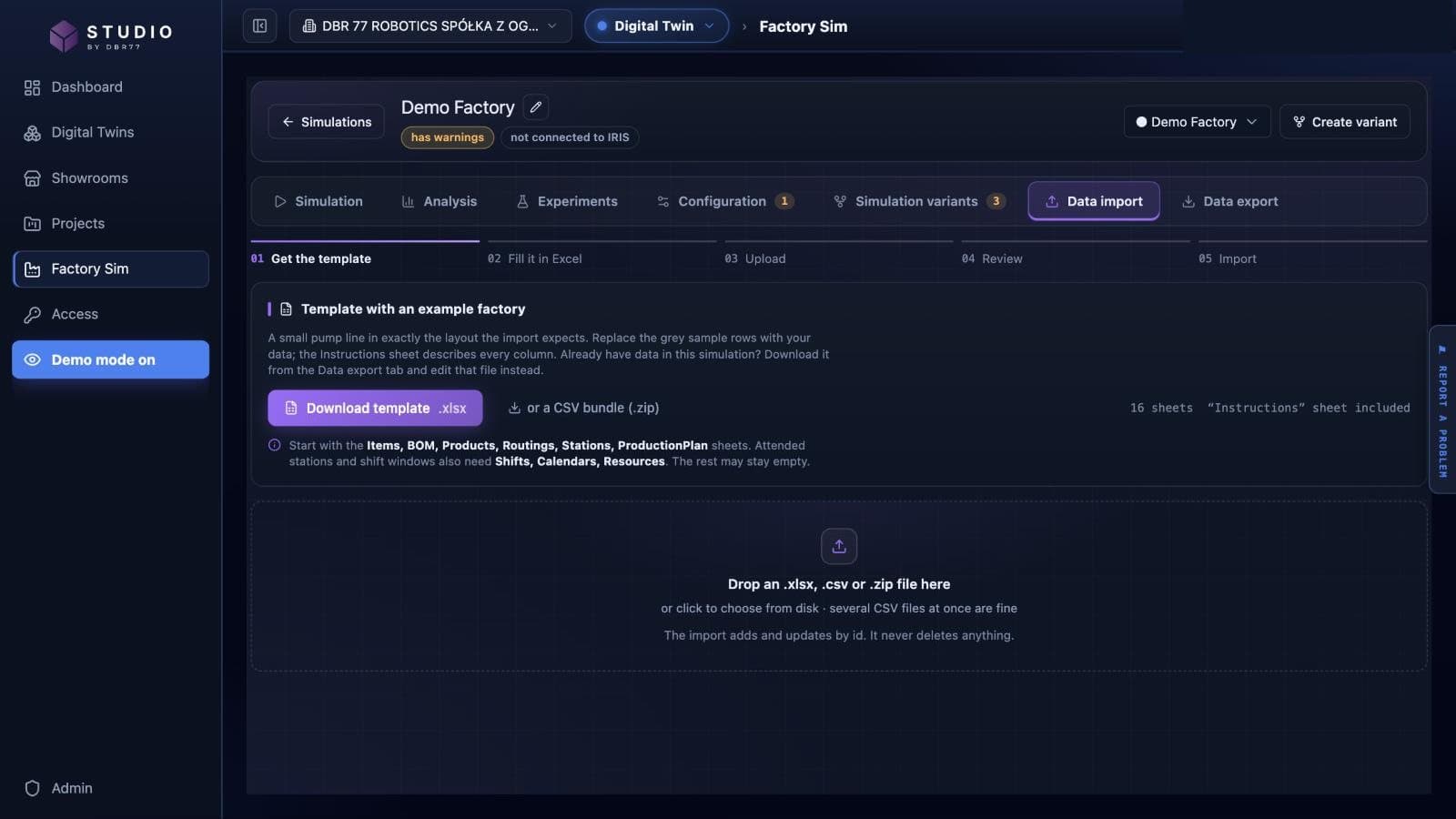
Enter cycle, setup and repair times by hand, in the Excel template or from DBR77 IRIS.
Base model
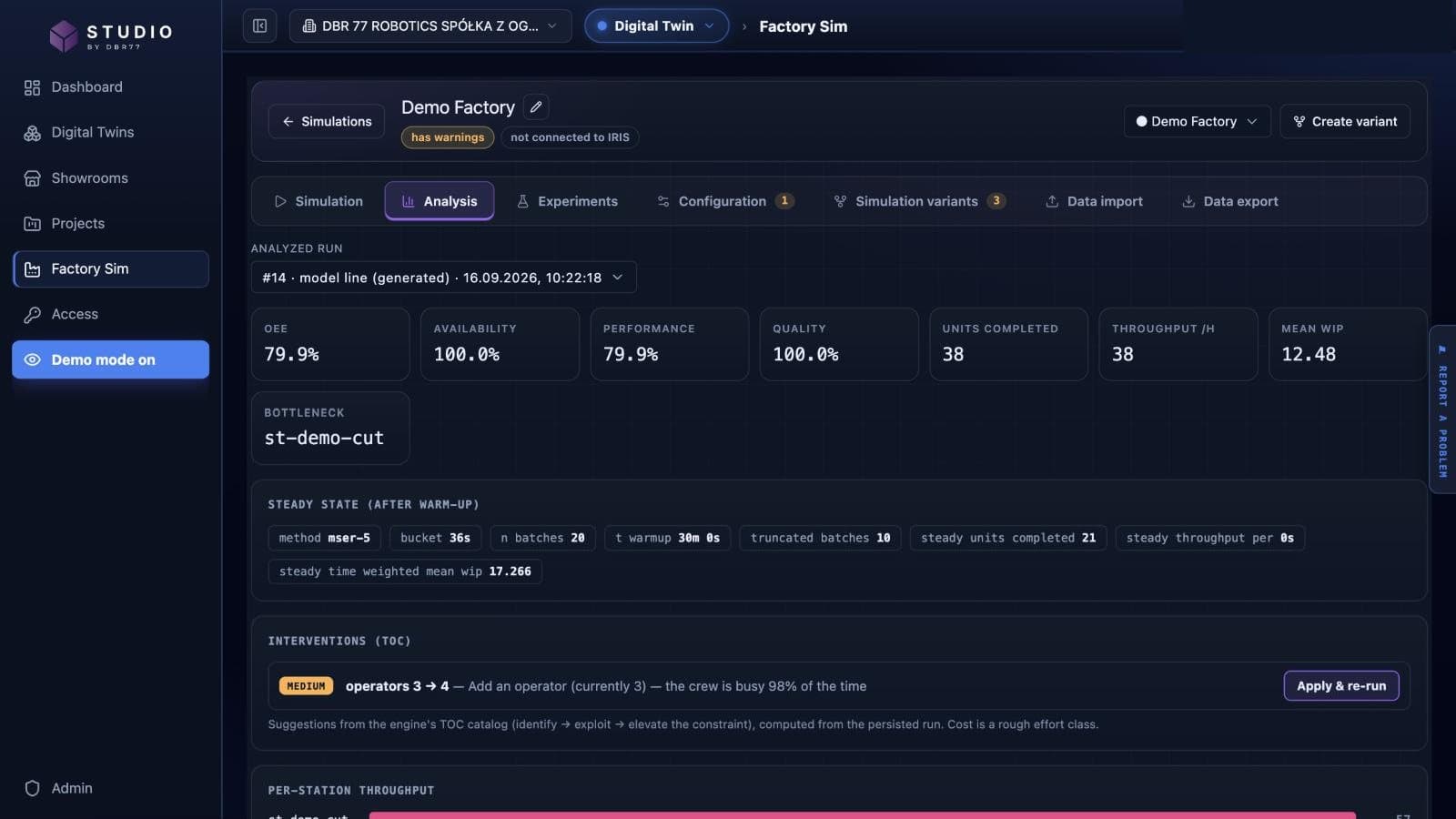
Run the current state and compare it with what the floor produces. The gap shows the real bottleneck.
Variants and decision
Test each change on a copy of the base model and compare OEE, throughput, lead time and crew.
Results
Results from DBR77 Digital Twin projects
Figures from published DBR77 case studies. Each one comes from a single plant and a single decision.
+6%
daily output of the chosen layout compared with a linear layout
Production line design
Up to 60%
less time spent picking material from the warehouse
Warehouse picking
−14%
department costs after the layout change, with PLN 300,000 less working capital
Layout optimization
1 week
to compare three layout variants of a new production line
Production line design
Case studies
How manufacturers used the twin
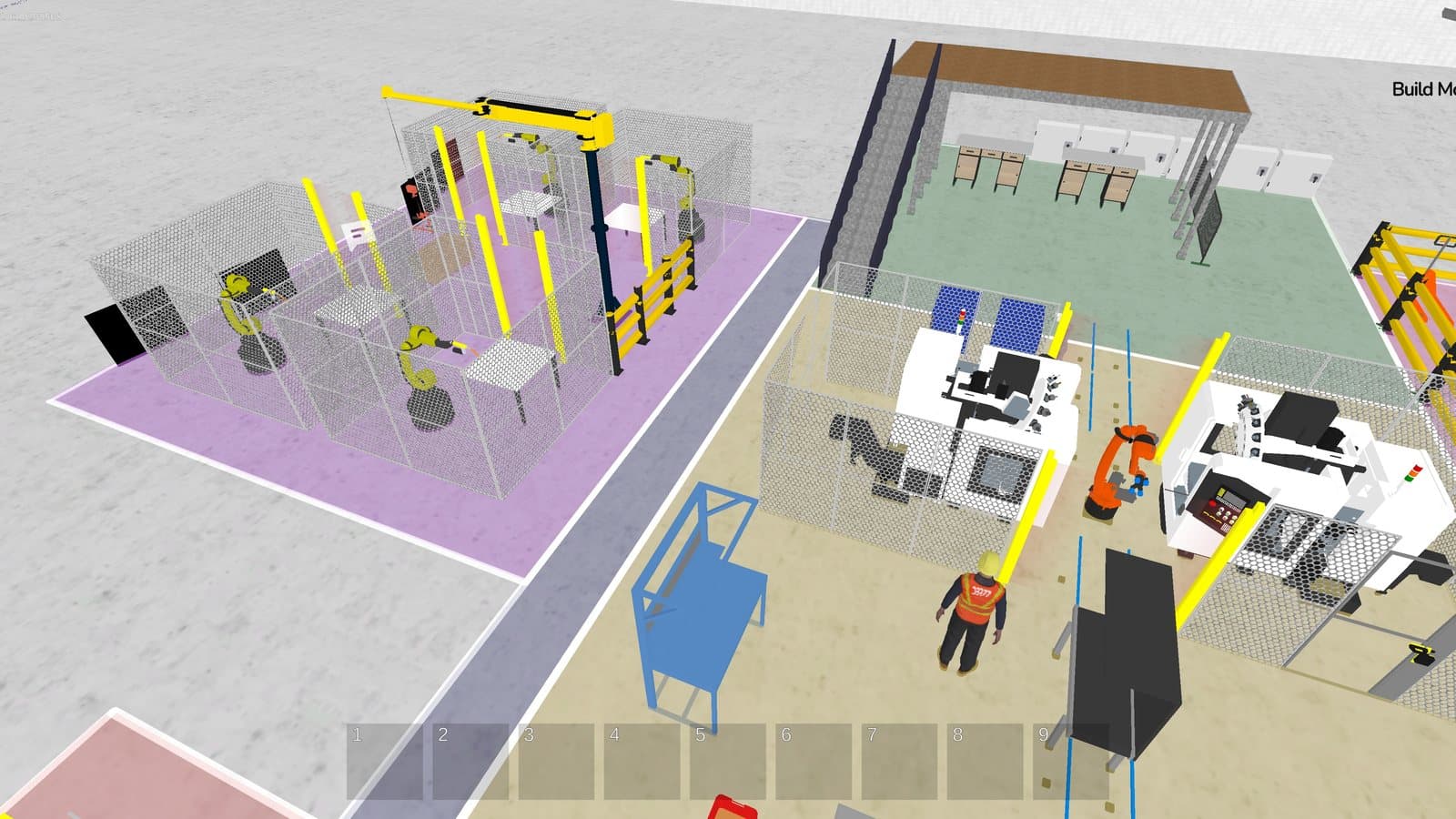
Car lamp manufacturer, southern Poland
Production line design: 6% more output per day
+6% daily output compared with a linear layout
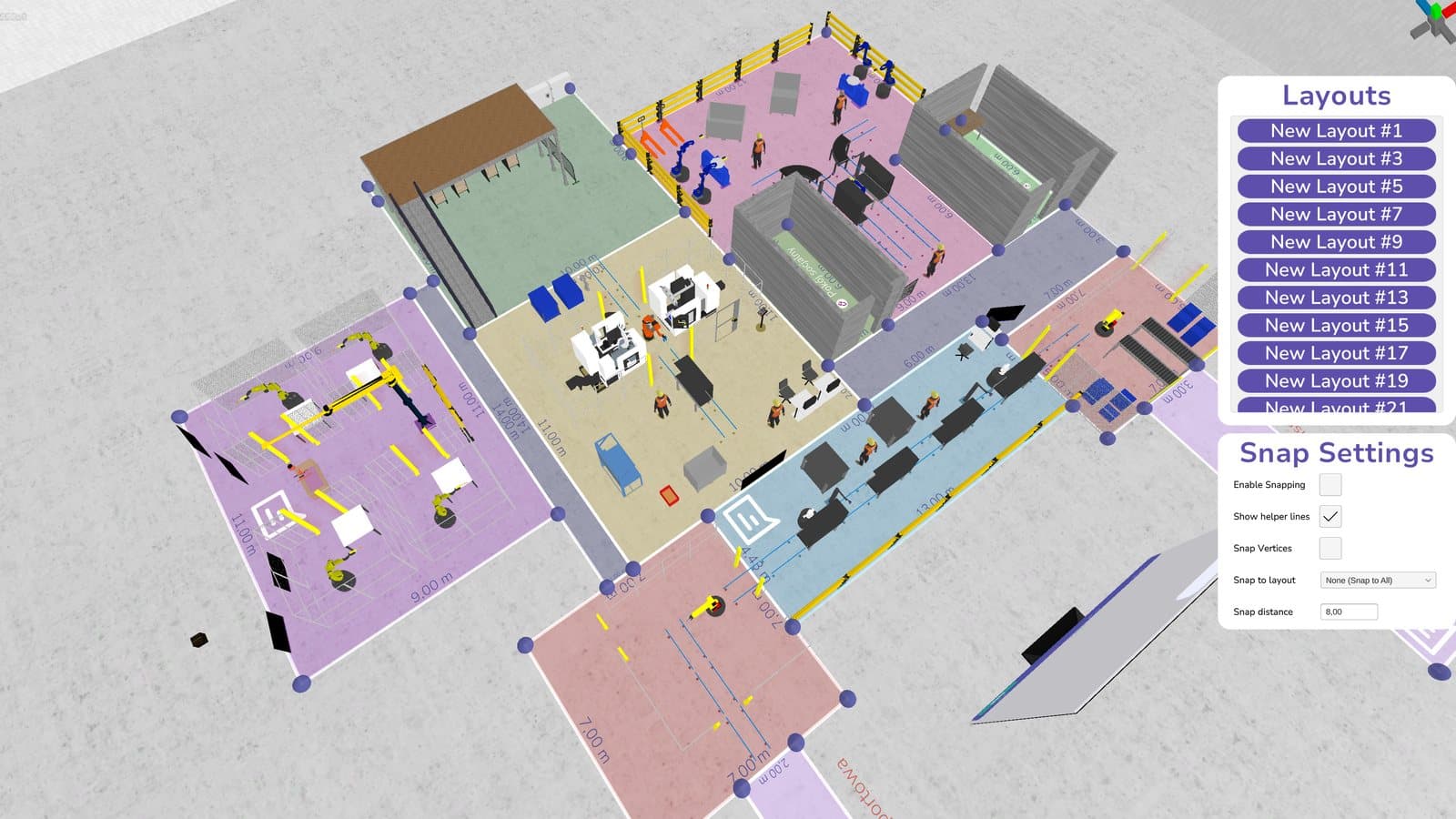
Plastic injection molding for household appliances, central Poland
Automation concept: an autonomous cart at the bottleneck
over 100% higher efficiency at the bottleneck
Wooden furniture manufacturer
Layout optimization: 14% lower department costs
14% lower department costs
Product
What you work with
Real screens from DBR77 Digital Twin. Each one leads to its product page.
3D plant model in Studio 3D
Build a 3D model of your plant in the browser. Place machines, robots, conveyors, racks, vehicles and people on your layout and review the model with the team before anything moves on the floor.
Data and integrations
Start with the data you have. Fill in a spreadsheet template or enter data by hand, import from DBR77 IRIS when you use it, and refresh the model from IRIS when the plant changes.
VR review
Review the 3D model at 1:1 scale with a VR headset, so the team can stand in the planned layout before it is built.
Data
Works with the data you already have
Build the model from your layout and process data, check it against history, then add data from DBR77 IRIS and DBR77 IIoT where it improves the decision.
Your files
The layout as an image exported from CAD or PDF, plus cycle times and routings entered by hand or uploaded in an Excel or CSV file.
DBR77 IRIS
Production orders and station history from MES, plus shift calendars, so the simulation runs on your real plan.
DBR77 IIoT
DBR77 IIoT monitors machines: cycle times, stops and machine states. It is the next stage when the model is used regularly. The twin itself does not connect to PLCs or robots.
Human approval
The model and its reports support the analysis. Your team makes and approves the decision.
Next step
Map the data you have today and plan the path from manual inputs to history and live data.
Why a twin
Flow over time, with the variability of the process
Two comparisons that show what a twin adds to drawings and spreadsheets.
2D CAD vs 3D digital twin
A drawing shows where things stand. The twin shows how parts, people and vehicles move through that layout during a shift.
Deterministic vs stochastic simulation
Averages hide waiting, blocking and breakdowns. Factory Sim works with time distributions and failures, so the result shows the spread you will see on the floor.
Where it applies
Wherever material and people move through space
Most projects are in production and intralogistics. The same model also works for new halls, presales, services and training.
Production
Lines, stations, buffers, people and machines, with the flow of a whole shift.
Layout · Line balancing · WIP
Logistics
Warehouses and internal transport, where material flow sets the output.
Routes · Picking · Forklifts and AGVs
Real estate & facilities
New halls and expansions, where space, access and the order of moves must be checked early.
CAPEX · Expansion · VR
Suppliers & integrators
3D presentations and showrooms for machines, robots and automation.
Showroom · Presales · Marketplace
Services & operations
Any place where people and tasks move through space and resources are limited.
Queues · Staffing · Shifts
Education
3D models of the plant for training new employees and preparing changes.
Training · Safety · VR
By role
What the twin shows each decision-maker
The same model answers different questions for operations, engineering, logistics and finance. Choose a role to see its typical problems and what the twin shows.
- CEO / OwnerCheck a large decision on one model of the plant before you sign it: a new line, an expansion or automation. The board sees the layout in 3D and the numbers from the simulation.View role
- COO / Operations leaderSee whether the plan fits the crew, the shifts and the machines before the week starts, and find the station that limits output.View role
- CTO / IT & OTStart the model from files and DBR77 IRIS data, without a large integration project. The twin does not connect to your PLCs.View role
- CFO / FinanceCompare investment options on the same simulated weeks before the money is committed, and see what each option changes in output, crew and working capital.View role
- Logistics & intralogisticsModel how material moves between stations: operators, forklifts, hand trolleys and AGVs, with their speeds, payloads and paths.View role
- Industrial engineeringBuild the line from routings, cycle and setup times, buffers and failure modes, then test changes on the model instead of on the floor.View role
- Sales & presalesShow the customer your solution in 3D on their layout, and leave them a showroom link with business cases and files.View role
- HR, health & safety and trainingPlan crew, skills and shifts on the model, and show new people the line in 3D before they stand on the floor.View role
Trust
Security is foundational, not optional.
A long-term Digital Twin becomes the system of decision-making. Security, governance, and data boundaries must be designed-in from day one.
Enterprise-grade posture
Strong defaults for identity, access, encryption, and auditability.
Data residency options
Keep data in your required region and maintain regulatory compliance.
Human approval layer
AI supports analysis; your leadership retains final accountability for decisions.
Knowledge base
Articles for engineers, plant managers and finance
How to use simulation and a digital twin for layout, capacity and investment decisions, with examples from DBR77 projects.
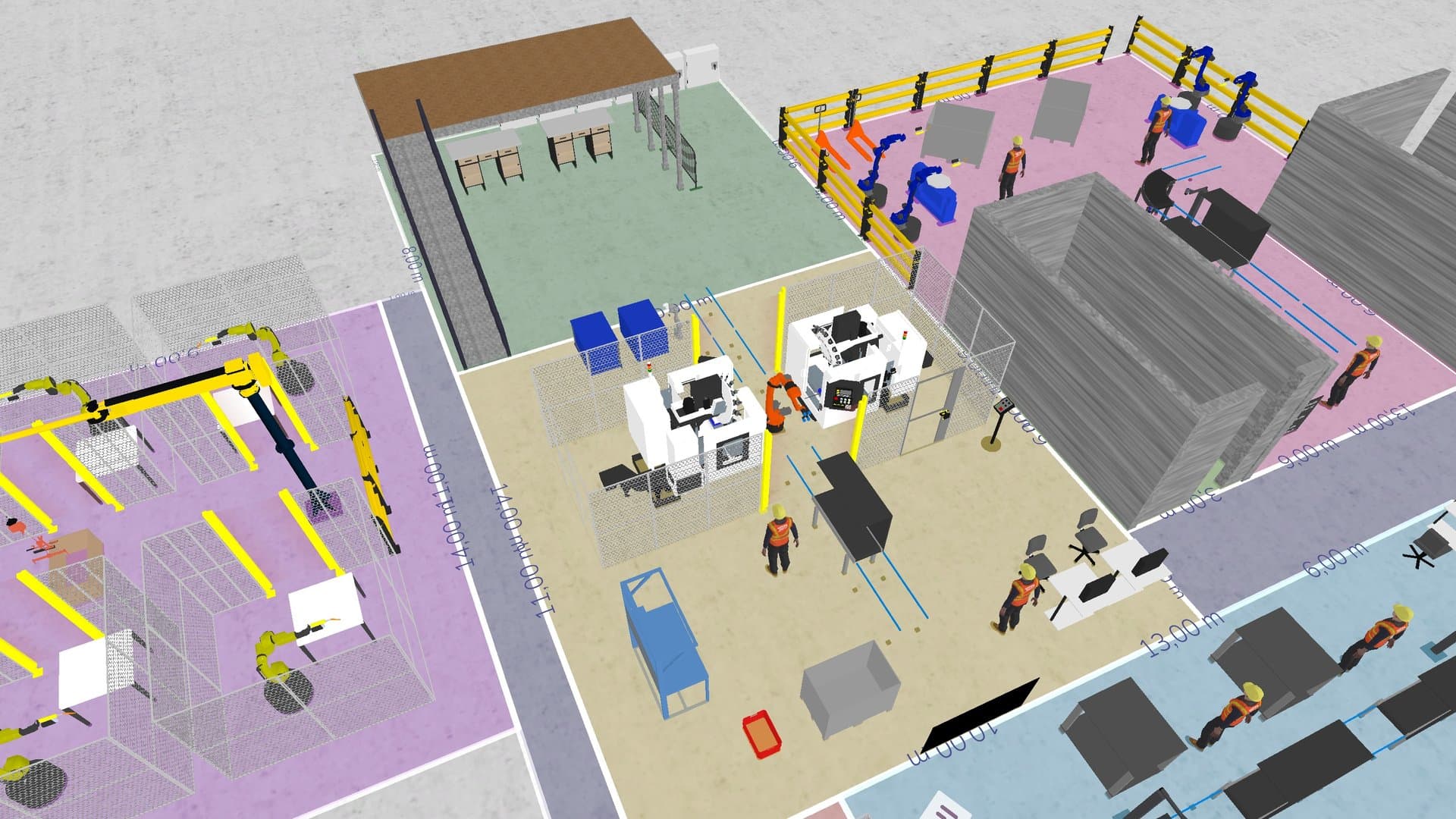 Rollout and data8 min read
What a Digital Twin in Manufacturing Really Is (and What It Is Not)
A digital twin in manufacturing is a model of your plant that runs production over time, so you can test a layout, robot or shift change first.
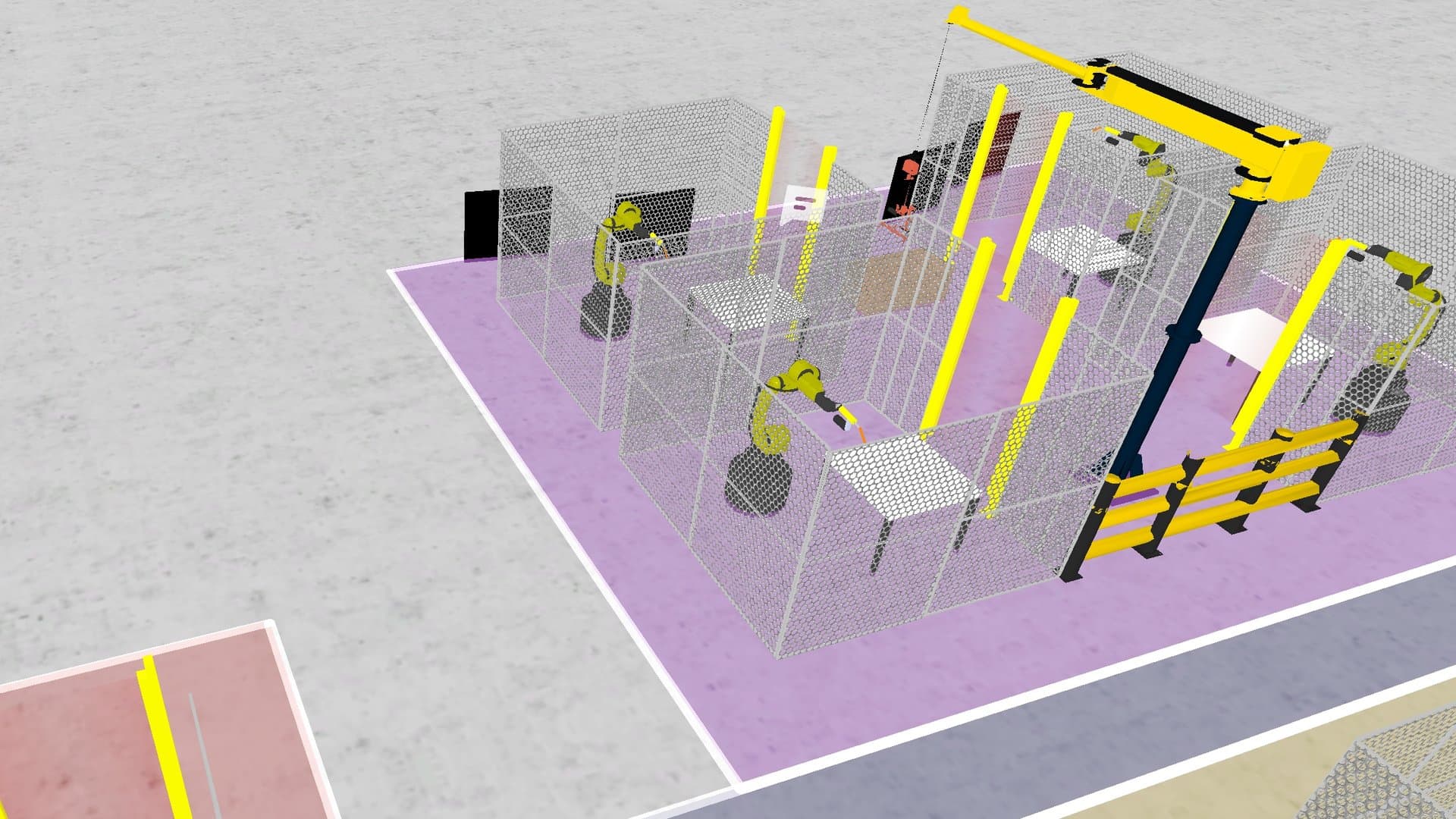 Investment decisions (CAPEX)7 min read
How to Compare CAPEX Options When Every Scenario Looks Plausible
Run every CAPEX option through the same bad weeks, score output, waiting, inventory, cash timing and reversibility, and retire weak options early.
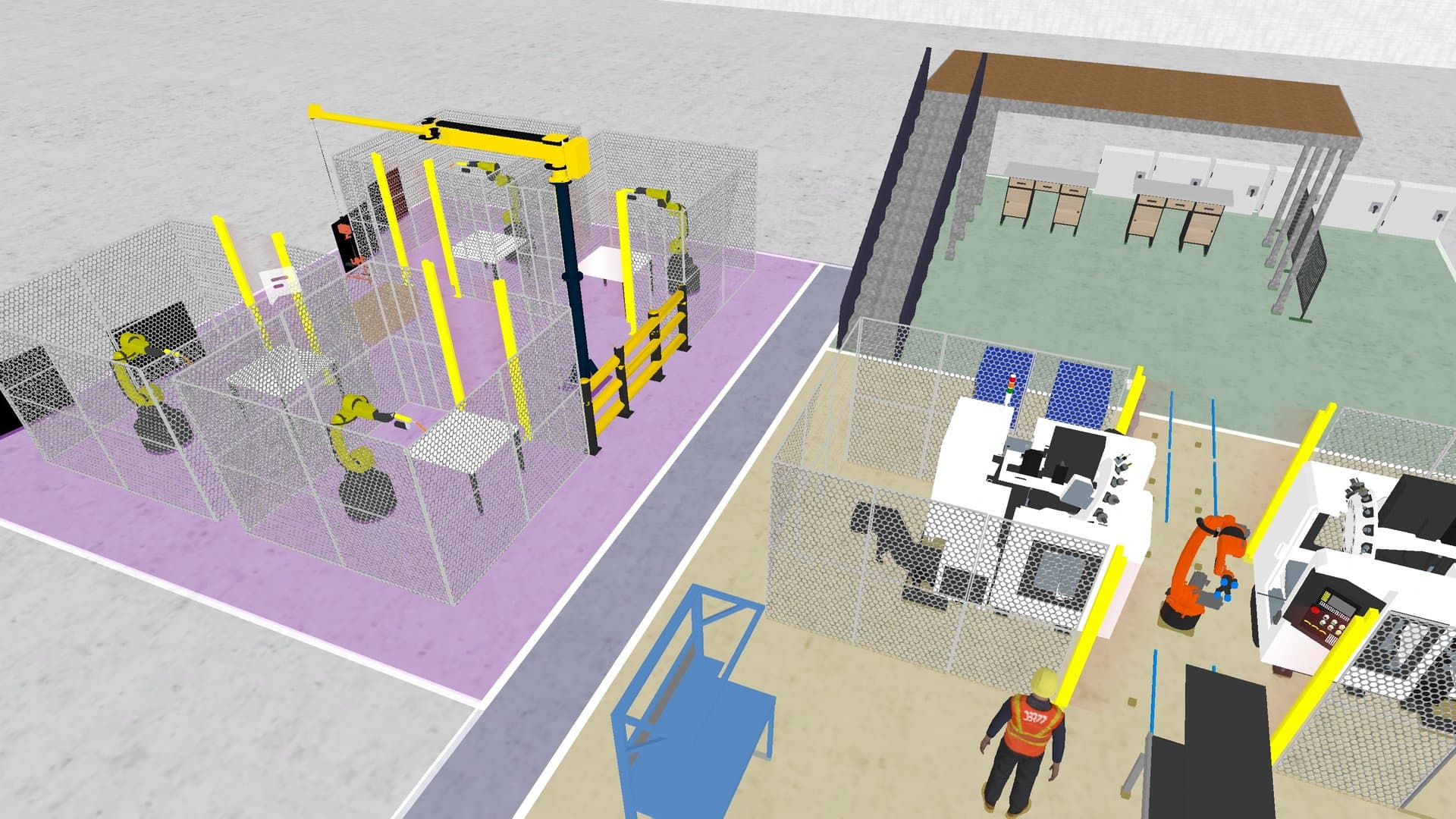 Layout and throughput8 min read
Before You Buy a Robot, Simulate It First
A robot raises output only if the line lets it. Check the cycle target, find the real bottleneck and compare automation variants before you buy.
Articles on simulation, layout, investment decisions and rolling out a digital twin.
Next step
See your plant in DBR77 Digital Twin
Book a demo with your layout and the decision in front of you. Start with the data you have.